Use Cases
A tool’s value isn’t in its feature list — it’s in how it fits into your daily life. Here are a few scenarios from creators of different roles. Maybe one of them is you.
Tech Blogger: Write Once, Publish Everywhere
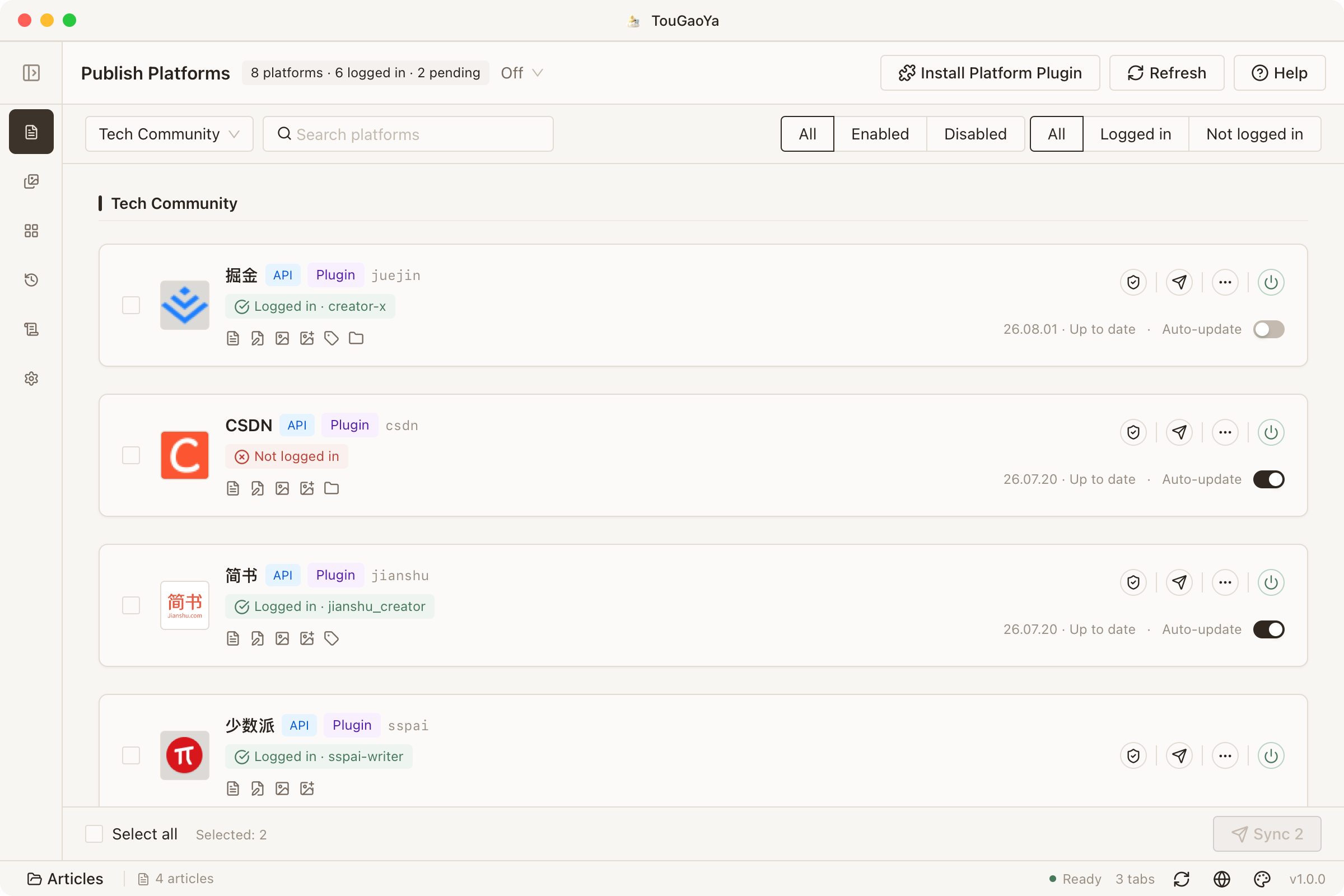
My articles go to my blog, Juejin, CSDN and WeChat at once. Every publish used to mean reformatting and re-inserting images — an entire evening of busywork.
For a tech blogger, TouGaoYa’s value is writing once, syncing everywhere:
- Write the full article in the workbench with Markdown and code blocks; pasted screenshots upload to the image bed automatically
- Select Juejin, CSDN and WeChat, click sync — body text, images and syntax highlighting go together
- Open your own VitePress static site and publish to GitHub Pages with one click; the build and deploy are fully automatic
An article written during the day shows up in four places by night.
WeChat Editor: One-Time Formatting
WeChat’s formatting is the most exhausting part: spacing, font size, blockquote styles — everything from scratch each time.
TouGaoYa’s WeChat preview makes formatting one-time:
- Switch to WeChat preview while writing — what you see is what you get
- Copy with one click as WeChat-compatible formatting; styles persist in the WeChat editor
- External links convert to footer citations automatically, avoiding WeChat link filtering
Formatting time goes back to the content itself.
Solo Creator: Platform Personalities, Offloaded
The same article: short for Weibo, complete for WeChat, pretty for Xiaohongshu. I can’t memorize all the rules.
TouGaoYa hands “platform personality” to AI and presets:
- Enable AI scenes per platform before publishing; AI adapts the title and body, with per-item diff review
- For Xiaohongshu, generate cards in one click — pick a theme, match fonts, choose backgrounds, and export PNGs or a ZIP
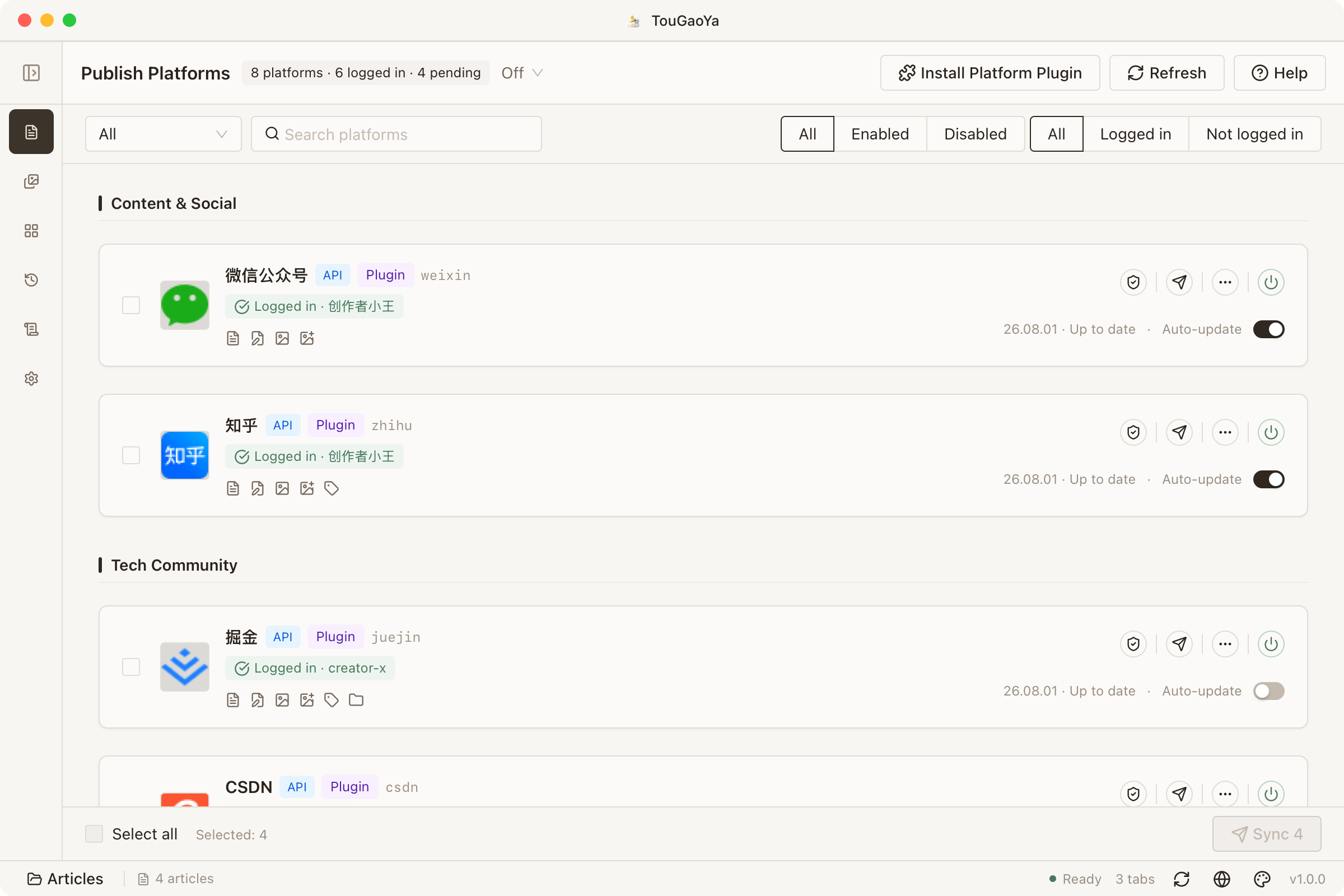
- Platform plugins handle each platform’s format differences — you don’t memorize any rules
Two-Device Writer: Changed Computer, Not Workflow
I start writing at the office and want to continue at home. I used to shuffle files around via cloud drives, and often forgot the latest version.
Workspace cloud sync solves exactly this:
- Bind the workspace to a GitHub repo and enable auto sync
- On a new computer, open the same workspace, enter your passphrase, and unlock all settings
- Image bed, AI, site and publishing settings are ready; articles and the asset index sync back
Switching devices affects only hardware, not workflow.
Small Content Team: Unified Assets, Standard Distribution
Five people write for one account. Everyone uploaded images their own way, and publishing flows were a mess.
The asset library and plugin system bring order to team collaboration:
- Images go into the asset library — grouped, image-bed uploaded, batch-compressed
- Platform plugins are installed and maintained by an admin; members just select and go
- Every platform’s publishing record has full history and audit — clear accountability
In the End
These scenarios cover just part of TouGaoYa’s capabilities. The design principles stay the same:
Local-first, your data belongs to you; write once, distribute everywhere.
Found a more interesting way to use it? Tell us: contact@once.work