Images & Image Beds
Ever been through this loop: screenshot → open the image host website → upload → copy the link → paste it back into the editor? Five images in a post means ten minutes of busywork.
TouGaoYa compresses that into a single step: paste or drag, and the image uploads automatically, with the link replaced for you.
Supported Image Beds
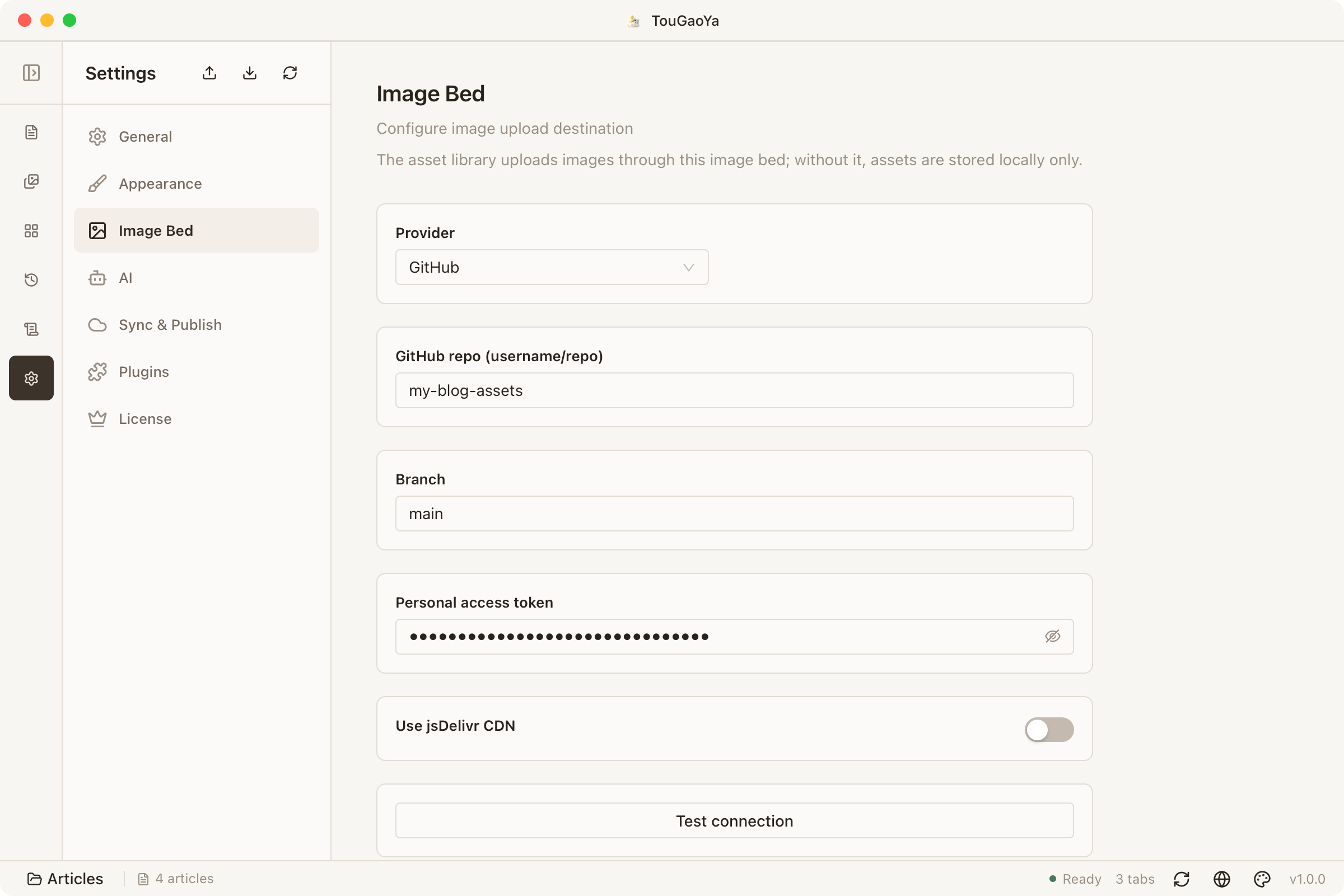
Choose one in Settings → Image Bed:
| Image bed | Highlights |
|---|---|
| GitHub | Free and stable; requires a repository and access token |
| Alibaba Cloud OSS | Fast in China, great for domestic readers |
| Tencent Cloud COS | Fast in China, integrated with the Tencent ecosystem |
| Cloudflare R2 | No egress fees; works with your own domain |
How to Configure
- Open Settings → Image Bed
- Pick a provider and fill in the repo / bucket / credentials
- Optional: enable CDN to replace default links with your own domain
Done — no restart needed.
The Writing Experience
- Paste an image: it uploads automatically and the link is replaced
- Drag an image: same automatic flow
- Batch handling: all images in an article use the same image bed, so every platform sees consistent links
Configure once; every future article benefits.
FAQ
What if an image upload fails?
- Confirm your credentials are valid (token not expired, repo/bucket exists)
- Confirm the network can reach the image bed service
- Check the error message in the editor, or see the FAQ
What if I change my image bed domain later?
When the image bed domain changes, TouGaoYa automatically rewrites the link prefix for already-uploaded assets — no manual edits needed.
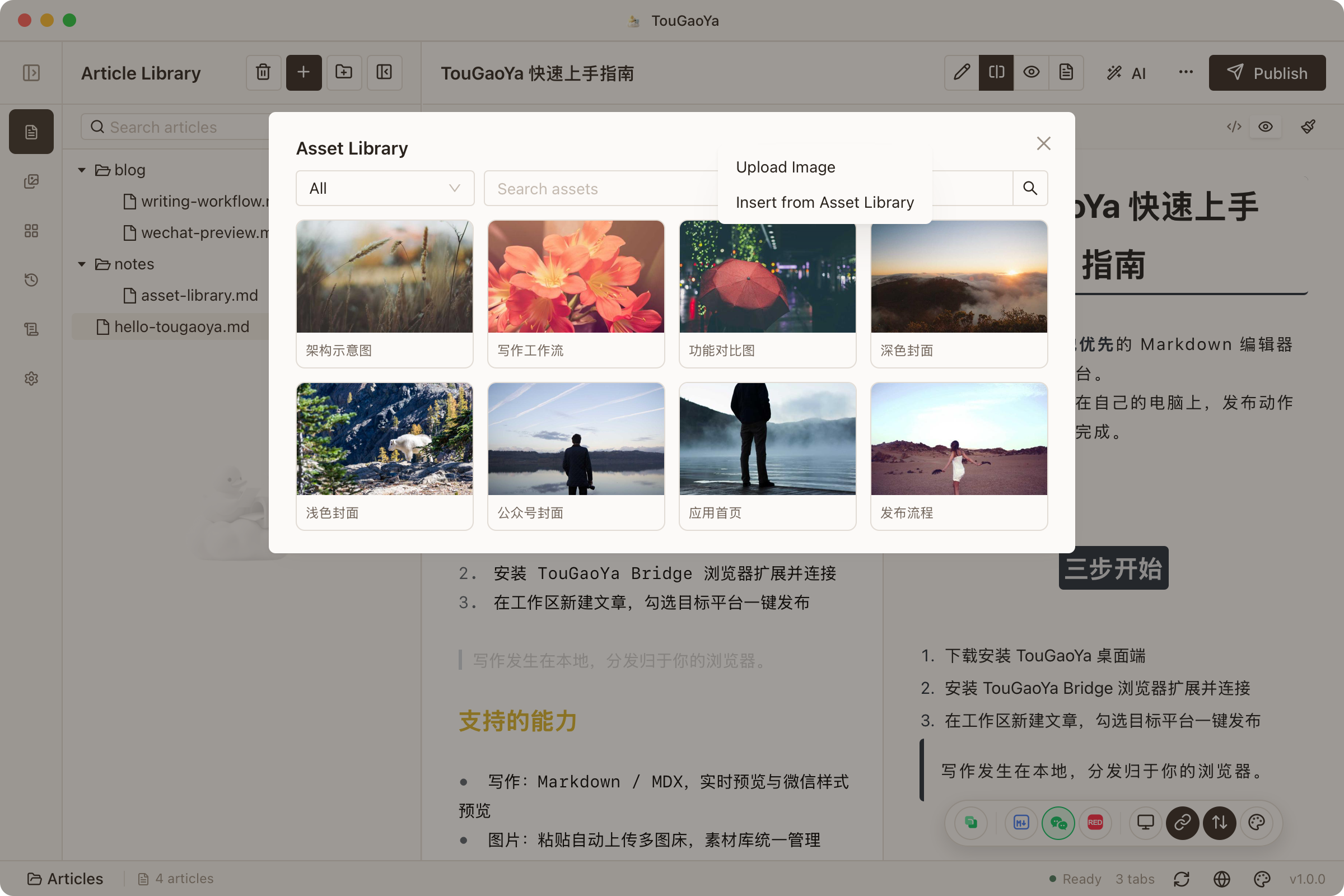
Tip: put frequently used images into the Asset Library for even easier insertion.
Last updated